

Virtual Simulation with Isaac Sim
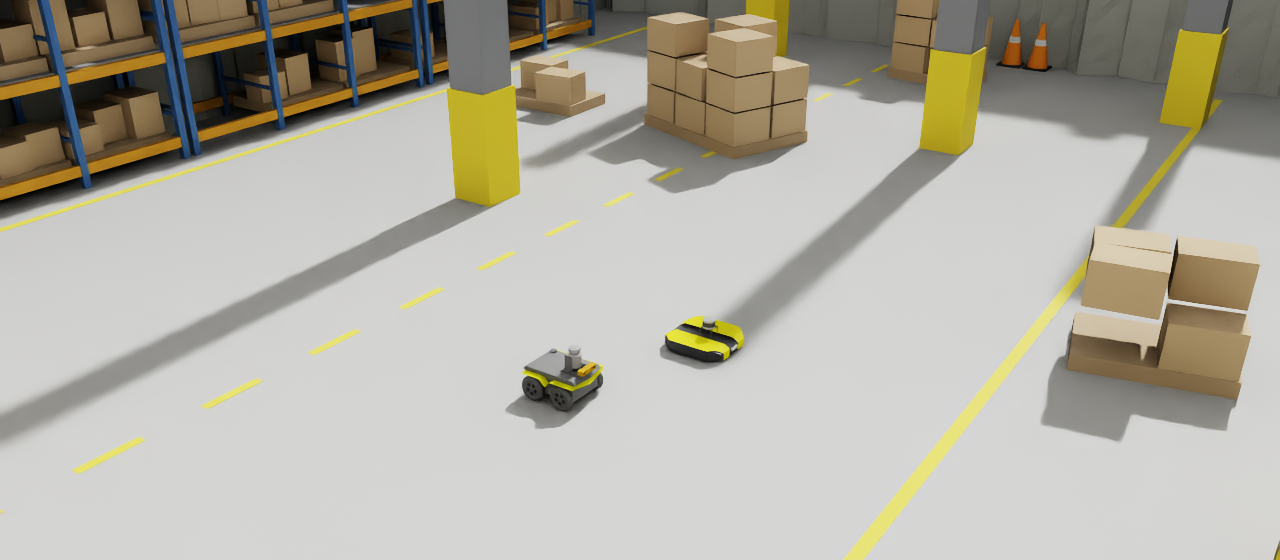
NVIDIA Isaac Sim is a robotics simulator with physically based rendering and GPU physics. With the Isaac Bridge extension, Isaac Sim becomes the simulator of Stellar X: the controllers on the Station drive robots in Isaac Sim through simulation gateways, with the same commands they send to real motors.
How It Works
flowchart TB
    subgraph SX ["Stellar X · Stellar Station"]
        CTRL["Controllers<br>Motion Studio · Strider · Articulation"] --> AG["Simulation gateways<br>(actuator)"]
        IG["IMU gateways"]
        CG["Camera gateways"]
    end
    subgraph PC ["Isaac Sim computer"]
        IB["Isaac Bridge extension"] --- ST["Scene<br>robots · cameras"]
    end
    AG -- "joint commands · 53333" --> IB
    IB -- "joint states · 53334" --> AG
    IB -- "IMU · 53334" --> IG
IB -- "RGB-D frames · 53335" --> CG- Gateways connect the simulator. A simulation gateway replaces the fieldbus with the network connection to Isaac Sim. The controllers, their documents and your applications are the same as for the real robot. On the real robot you also verify the actuator mapping, calibration, limits and sensor settings.
- Simulated joints behave like servo drives. Each joint receives position, velocity or torque commands and reports its position, velocity and torque, like a drive with its motor and encoder.
- Cameras and IMUs of the scene are served to the Station's camera and IMU gateways, so localization, navigation and walking controllers run on simulated sensors.
- Several robots can share one scene. Each robot has a unique name, and each gateway on the Station names the robot it drives.
What you can do in simulation:
- Check kinematics, joint directions and limits before the first power-on of a real robot.
- Develop and test applications, navigation and mission logic without hardware.
- Test multi-robot scenarios and sites that do not exist yet.
Requirements
| Item | Requirement |
|---|---|
| Isaac Sim | 6.0, on Linux or Windows (Isaac Sim requirements and installation). Isaac Bridge 1.0.0 is verified with Isaac Sim 6.0 (Compatibility). |
| Isaac Bridge | The Sodero extension for Isaac Sim (Install Isaac Bridge) |
| Network | Stellar X and the Isaac Sim computer on the same network; Stellar X must reach the Isaac Sim computer on TCP ports 53333–53335 |
| Simulator address | Only for simulated IMUs. The IMU gateway has no address field: it connects to the simulator address set for the controller, which must be the Isaac Sim computer (Addresses Set for the Controller). Actuator and camera gateways have their own address fields. |
| Clock | Both computers synchronized with a time server (NTP), when you use cameras |
Steps
| Step | Page |
|---|---|
| 1. Install Isaac Sim and the Isaac Bridge extension | Install Isaac Bridge |
| 2. Prepare the robot in the scene: articulation, name, joint order, cameras | Prepare the Robot |
| 3. Point the Station's gateways at Isaac Sim and run | Connect to Stellar Station |
Tip: The Quick Start uses a prepared Jackal scene and its example files. Do step 1 first; the Quick Start then covers steps 2 and 3 for the Jackal.